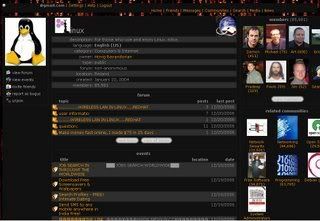
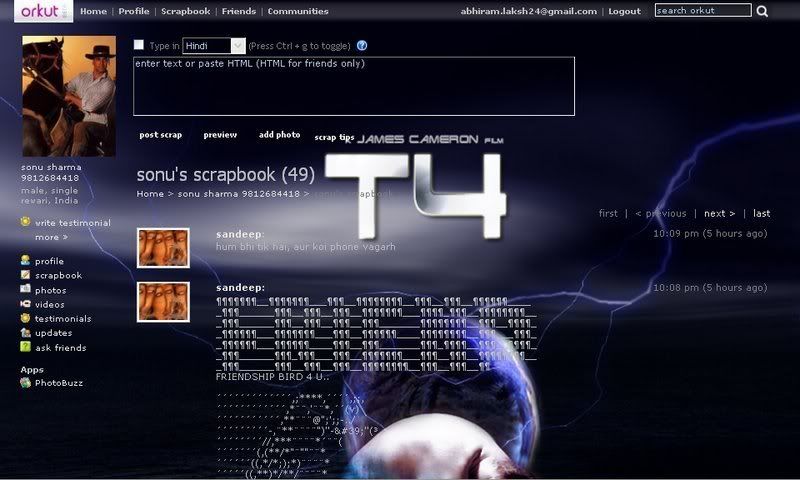
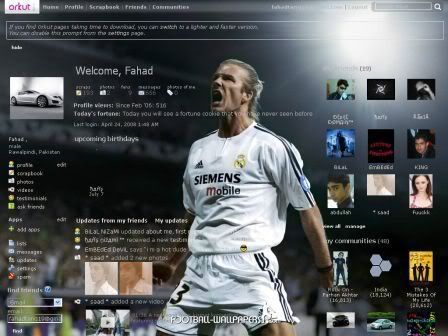
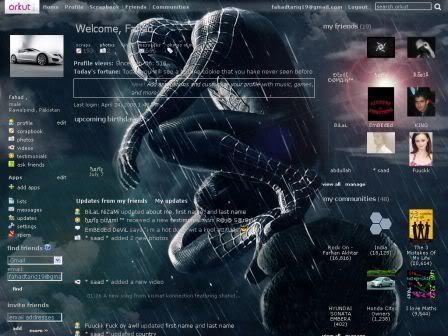
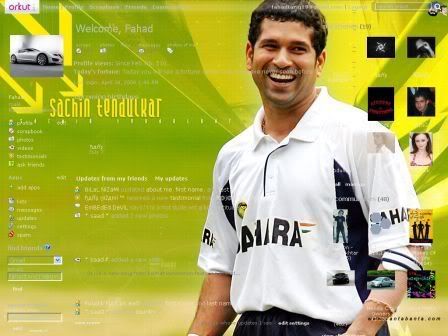
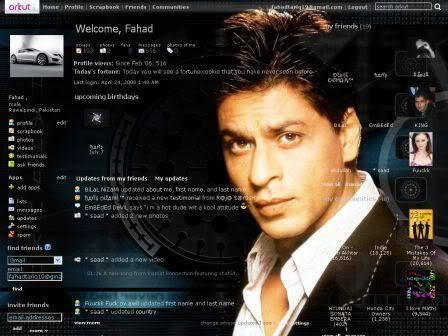
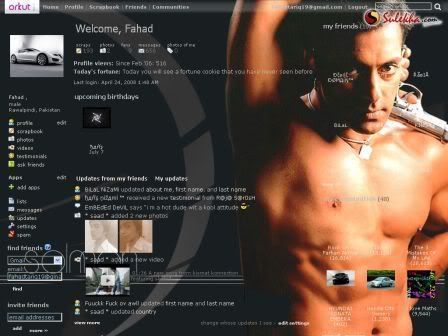
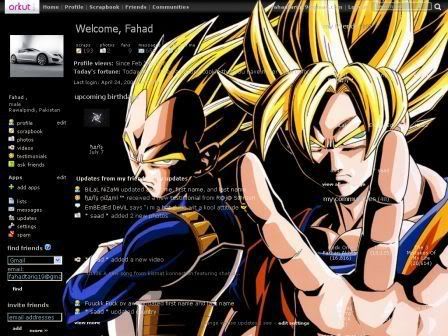
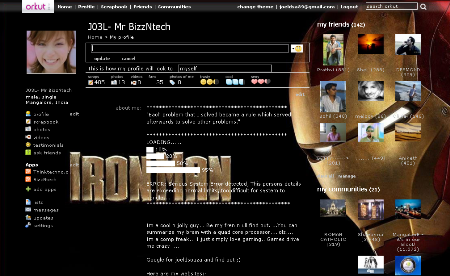
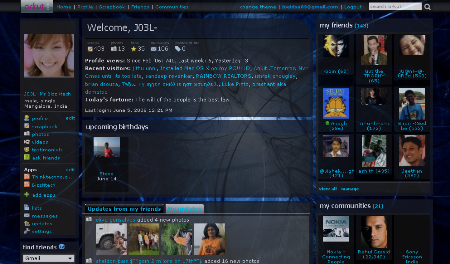
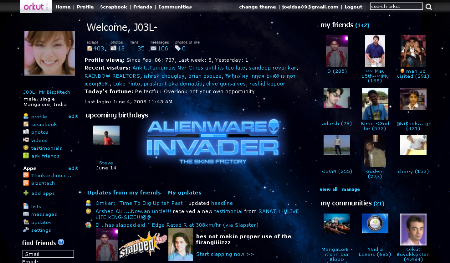
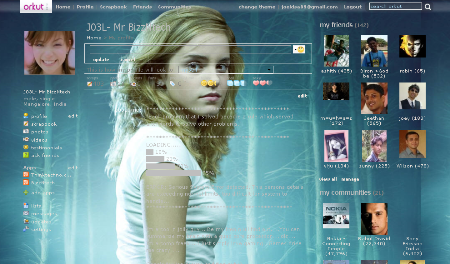
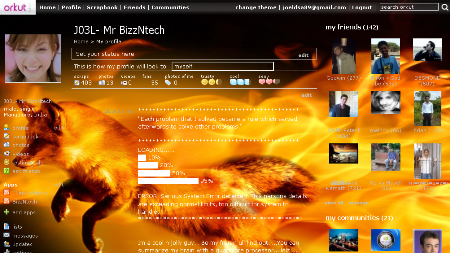
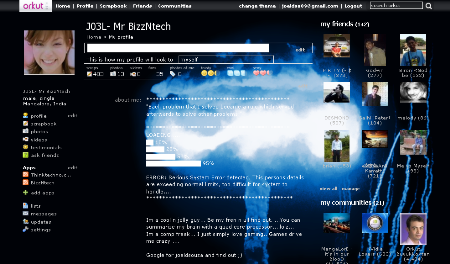
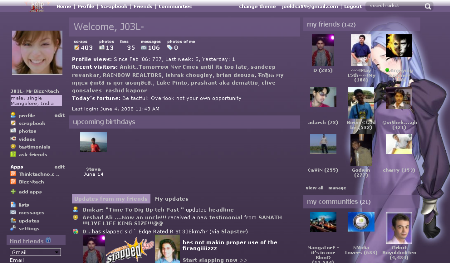
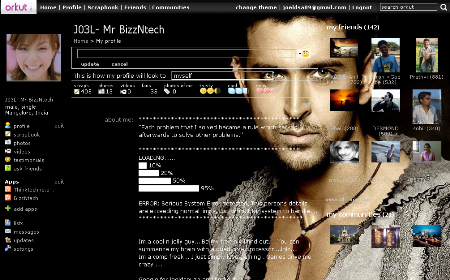
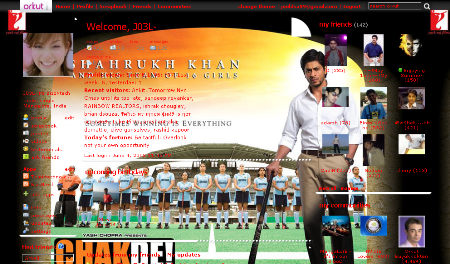
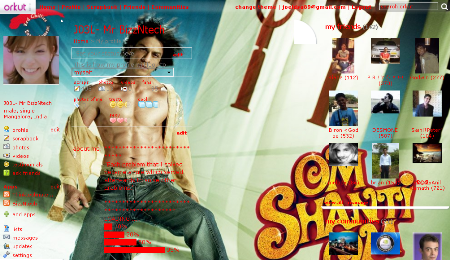
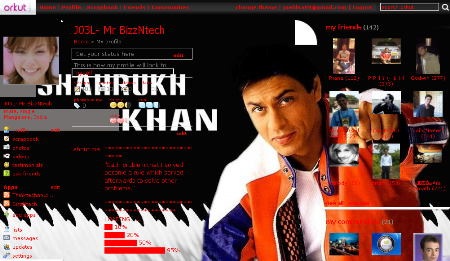
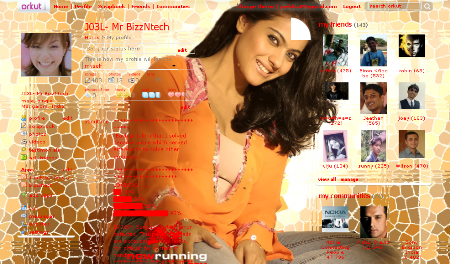
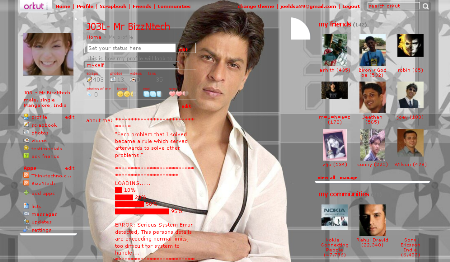
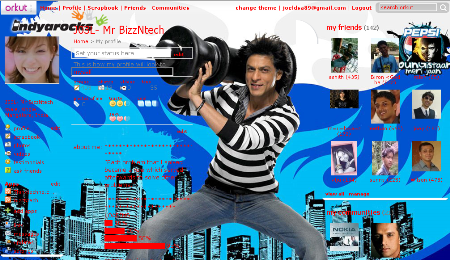
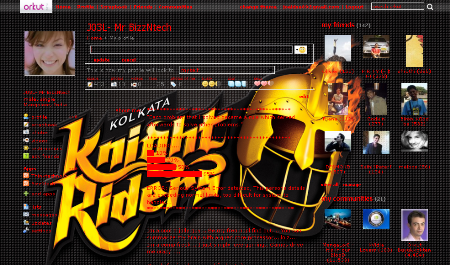
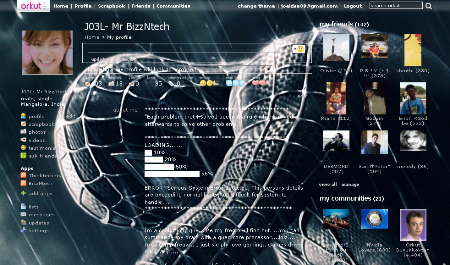
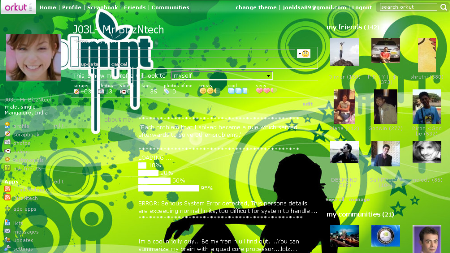
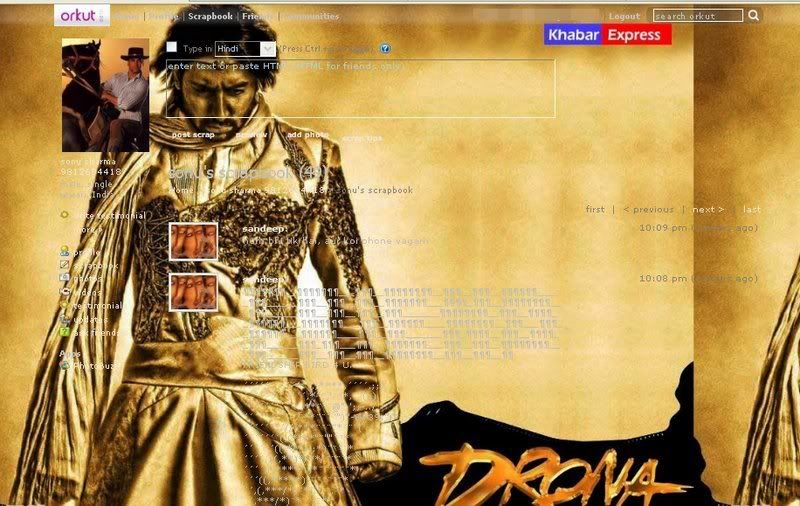
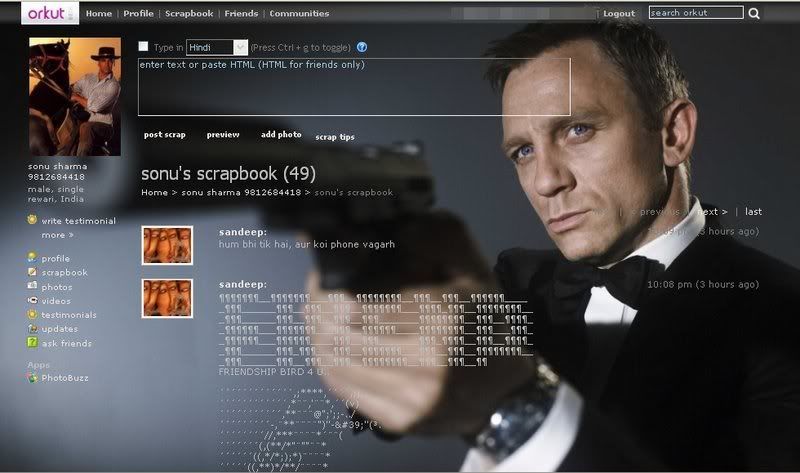
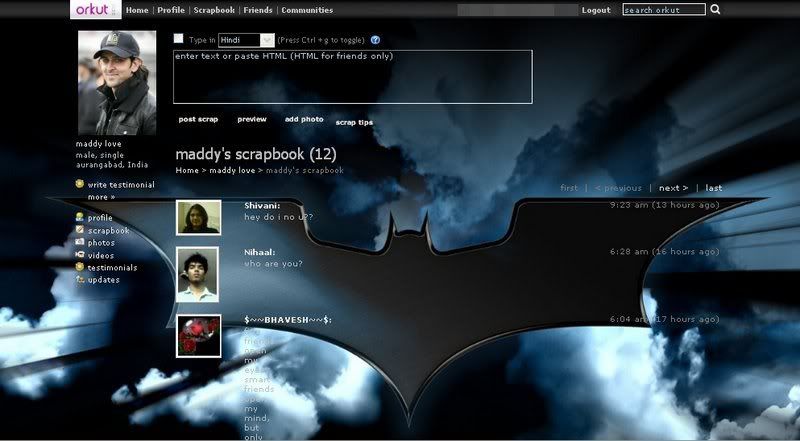
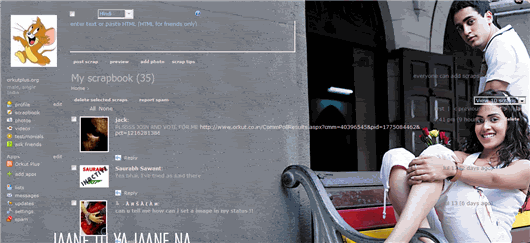
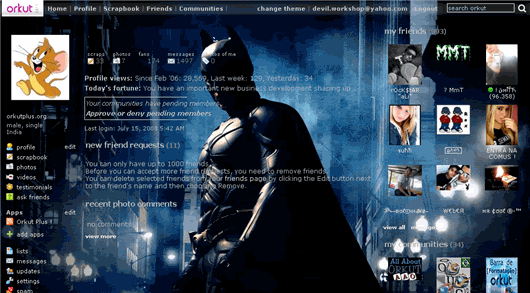
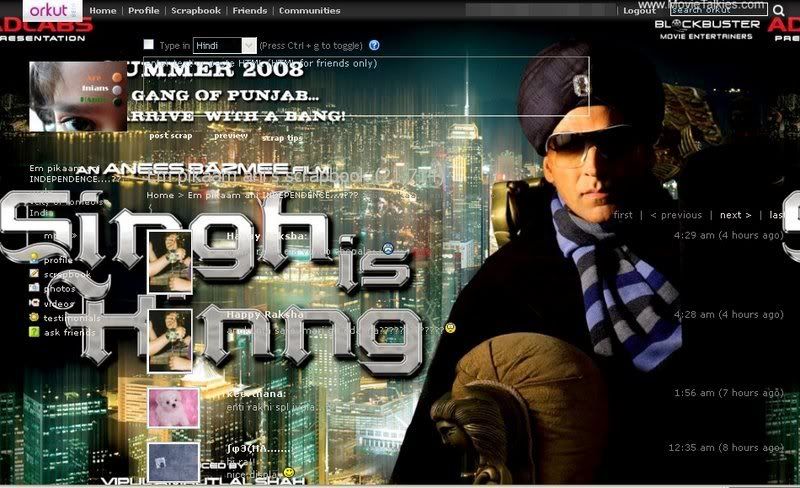
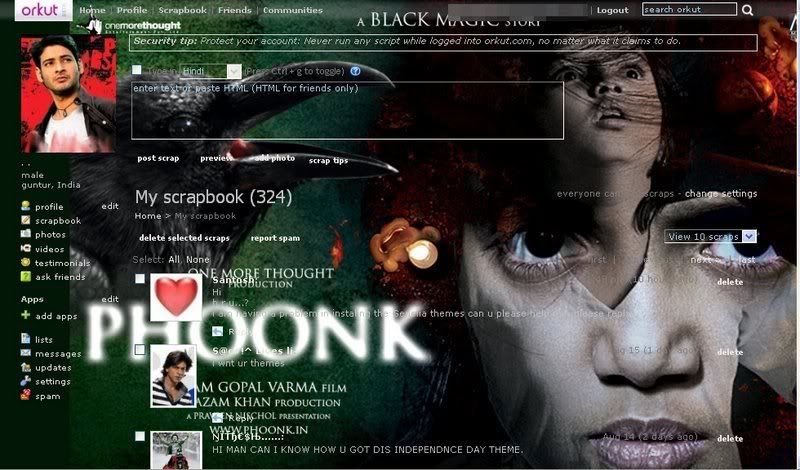
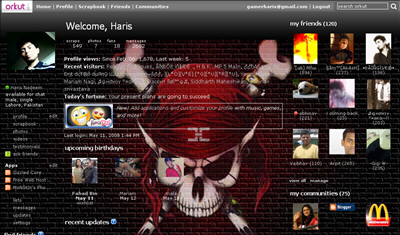
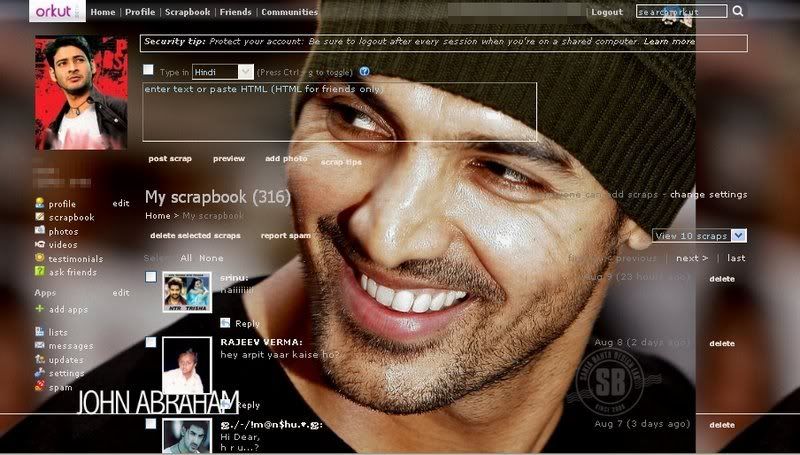
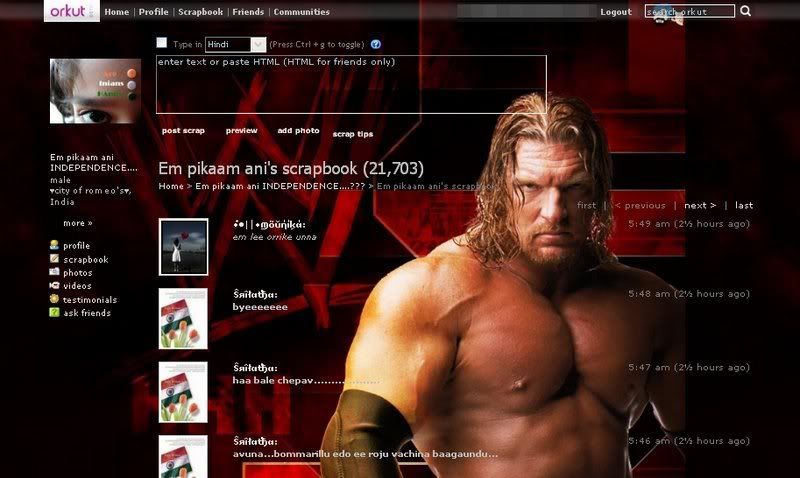
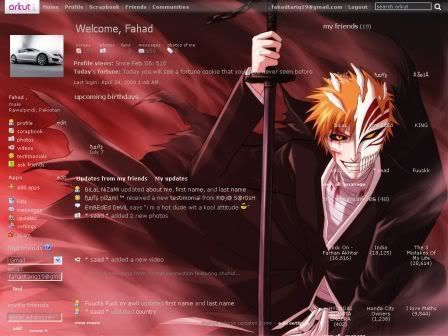
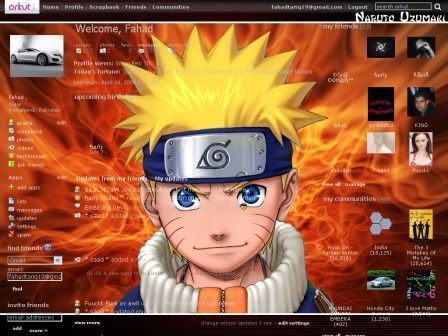
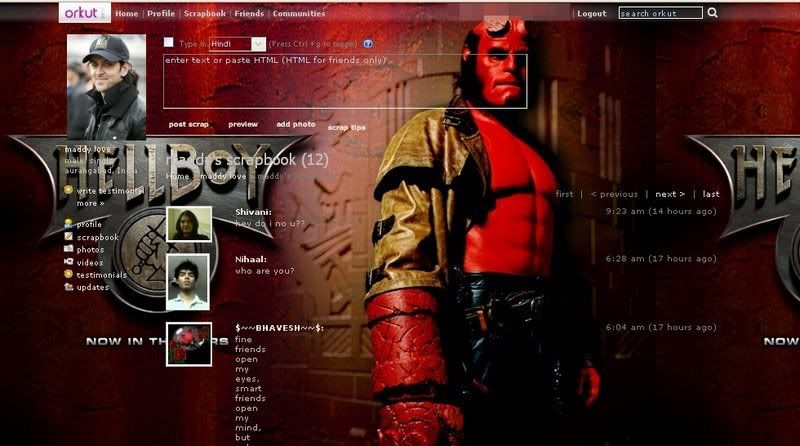
A lot of you people must use orkut and must be wondering how to change the default boring orkut theme. Well, your search is over. I have personally made 20 brand new orkut themes that you wont find anywhere else on the net. Everything from NBA to Cricket to Firefox to Katrina Kaif!
I would like to point out though, that these orkut themes will only be shown to yourself when YOU are browsing orkut. So lets get started. First I will list the requirements that you need to fulfill in order to install these orkut themes.
Once you have installed mozilla firefox and the greasemonkey addon then all you need to do is install any one of the following orkut themes. Below every theme image is a link to the script for that specific orkut theme. Just click on any one and you will be prompted to install it. Click install and it will be installed in a jiffy! You can then go to browse orkut with your new theme. If you want to change a theme then you will first install the new theme from this page. Then you have to right-click on the little “monkey” face in the status bar below. From there, you will see a list of your installed scripts which will have the different orkut themes. Just uncheck any theme you do not want to use and check any orkut theme that you do want to use. Its just that simple!
Uninstall Procedure for these Orkut Themes
If you want to completely remove any of these orkut themes then right-click the monkey face and click Manage User Scripts. You will see a list of your installed scripts. Just select any script that you want to remove and click the Uninstall button at the bottom. Its just that simple!
Note: Click image to see a higher resolution image of that orkut theme
To download this orkut theme, click here. Once again, you will not find these orkut themes anywhere else as I made them myself. If you have a good idea for a theme or you want a specific theme not mentioned above, just post a comment and I will see if I can make one. If you have any questions or suggestions or any type of feedback, you can leave a comment here or contact me. Thanks for visiting, and enjoy!
If you are bored with same orkut theme, you can change your orkut profile theme in a easy way. But remember that the change of theme is visible by you only with your PC, your other friend will not see any change in theme.
You can download all videos of Orkut profiles in easy way without any software or Orkut video downloader. When you watch any video in orkut the video file get stored in temporary catch folder of your browser.
If you are using Firefox browser you can get the video file (after watching video) from firefox catch folder. If you are using Internet explorer browser, you can get the video from internet explorer temporary folder.
You need to rename the stored video file to FLV extantion and after this you can play it with FLV player.
Still after modification on orkut album format, you can download all the photos of Orkut album with this little tricks. To download images from orkut album you need to use firefox browser. If you are not using firefox browser you can download the browser from here.
Follow these steps to download pics from orkut album using firefox browser.
1. browse the orkut album pics in firefox browser.
2. When the pics is available in browser with full resolution, go to- Tools > Page Info
f you are bored with same orkut theme, you can change your orkut profile theme in a easy way. But remember that the change of theme is visible by you only with your PC, your other friend will not see any change in theme.